8BitDo Ultimate 2C Wireless Controller
Hall-effect sticks and L4/R4 bumpers with low-latency 2.4G dongle for 60 FPS Sync Attacks and Legion positioning.
astralchain.ini sits beside astralchain.exe (or astralchain on Linux) and controls every frame-pacing, Vulkan pipeline, texture compression, resolution, HDR10, and controller binding parameter in Astral Chain Recomp. Keys are case-insensitive, # or ; start comments, and any key can be overridden per-run via an uppercase AC_<KEY> environment variable.
Pick your hardware profile and visual preferences below, then click Download astralchain.ini to save a clean, uncommented file ready to drop into your game folder.
# astralchain.ini - place next to astralchain.exe (or astralchain on Linux)
[frame rate]
fps = 60
realtime = 1
cloth_realtime = 1
highfps_fix = 1

[performance]
async_preempt = 1
free_cores = 0
timer_1ms = 1
astc_bc = auto
tex_mip_skip = 0
gpl = 1
vk_recorder = 1
vk_dyn_a2c = 1

[display]
device_profile = desktop
fullscreen = 1
window_size = 2560x1440
output_res = 2560x1440
aspect = wide
upscaling = dlss
upscaling_quality = quality
anti_aliasing = smaa
ao = gi
aniso = auto
shadow_scale = 2
draw_distance = 150
hdr = 0

[language]
operation_mode = docked
menu_lang = en

[input]
pad_layout = auto
prompts = auto
motion = 1
rumble = 1
rumble_strength = 130
rumble_triggers = 0
stick_deadzone = 8# Place NVIDIA DLSS SDK nvngx_dlss.dll next to astralchain.exe:
copy nvngx_dlss.dll "Astral Chain
vngx_dlss.dll"
# Optional AC_* environment overrides (override astralchain.ini for one run):
AC_FPS=60 AC_UPSCALING=dlss AC_AO=gi ./astralchain
# Rebuild driver shader cache after a GPU driver update:
astralchain.exe --warm-shaders
# In-game shortcuts:
# F1: Settings menu | F10 (or L+R then -/+): Perf overlay | F11: Fullscreen | F12: No-HUDKeep output_res on a 16:9 32n x 18n grid (1280x720, 1920x1080, 2560x1440, 3840x2160); aspect = wide expands the camera to 16:10, 21:9, or 32:9 without losing the Vulkan device.
Every key below corresponds directly to runtime/cfg.c and astralchain.ini.example in release 1.18.0.
| Section & Key | Default | Applies | Behavior & Constraints |
|---|---|---|---|
[frame rate] fps | 60 (30 on Deck) | Live | 60 enables the community 60 FPS patch + synced 60 FPS in-engine cutscenes; pre-rendered movies stay 30 FPS. |
[frame rate] realtime / cloth_realtime / highfps_fix | 1 / 1 / 1 | Restart | Drives game speed and cloth simulation from wall-clock elapsed time and prevents physics bounce at 60 FPS. |
[display] device_profile | auto | Restart | auto activates Steam Deck defaults when SteamDeck=1 or Jupiter/Galileo DMI is detected; or force desktop / deck. |
[display] output_res | 1920x1080 (1280x720 Deck) | Restart | Internal 16:9 render resolution on the 32n x 18n grid (1280x720, 1600x900, 1920x1080, 2560x1440, 3200x1800, 3840x2160, or auto). Off-grid sizes fall back to 1080p. |
[display] window_size & fullscreen | 1920x1080 / 1 | Live (F11) | Client pixel dimensions (640x360 to 7680x4320, unaffected by Windows DPI scaling) and borderless fullscreen toggle. |
[display] aspect | wide | Live (INI only) | wide expands camera FOV for 16:10 down to 4:3 and 21:9 up to 48:9, anchoring HUD corners; fit adds black bars; stretch warps. |
[display] fov & draw_distance | 100 / 100 | Live / Next load | fov (70-140%) widens camera angle; draw_distance (100-400%) divides model LOD thresholds to curb pop-in. |
[display] upscaling & upscaling_quality | off / native | Live / Restart | 3D temporal upscaler: off, auto, dlss (RTX + nvngx_dlss.dll), xess (Windows), or fsr3 (any GPU); modes native, quality, balanced, performance, ultra_performance. |
[display] ao | off | Live | Screen-space ambient occlusion: off, low, high (emissive-aware SSGTAO), or gi (adds screen-space radiance cascade bounce light). |
[display] shadow_scale, contact_shadows, pcss | 2 / 0 / 0 | Restart | Multiplies the 2048x2048 sun shadow map by 1-4x (+85-520 MiB VRAM), traces depth contact shadows (0-100%), and softens penumbras (0-200%). |
[display] hdr, hdr_peak_nits, hdr_game_nits, hdr_ui_nits | 0 / 1000 / 203 / 203 | hdr restart; nits live | Outputs HDR10 on Windows ('Use HDR') or Wayland color-managed sessions; hdr_hue (80) rolls bright fire highlights toward white. |
Advanced scheduler, Vulkan driver workarounds, SDL3 controller remapping, and diagnostic flight-recorder keys.
| Section & Key | Default | Technical Notes |
|---|---|---|
[performance] async_preempt & free_cores | 1 / 0 | Keep free_cores = 0! Setting 1 removes the 3-core Horizon gate and crashes guest per-core job workers at boot. |
[performance] timer_1ms & cpu_boost | 1 / auto | Windows 1 ms timer resolution; Linux cpu_boost = auto holds performance governor and uclamp (off on Steam Deck to protect GPU power budget). |
[performance] astc, astc_bc, tex_mip_skip | auto / auto / 0 | astc_bc = bc1 cuts ASTC VRAM by 75%-87% on <=6 GB GPUs; tex_mip_skip = 1024 drops top mip above 1024px (~200 MiB saved on Deck). |
[performance] vk_recorder, vk_dyn_a2c, gpl | 1 (0 on AMD) | Automatically disabled on affected AMD RDNA1/RDNA2 drivers where recorder threads hang startup or dynamic alpha-to-coverage turns characters black. |
[input] pad_layout & prompts | auto / auto | Selects nintendo, xbox, or playstation A/B/X/Y mapping and matching UI prompt glyphs (prompts change requires restart). |
[input] stick_deadzone, lstick_deadzone, rstick_deadzone | 8 (%) | Circular drift deadzone from 0 to 50%; inspect live stick deflection inside F1 -> Controls. |
[input] walk_key & walk_scale | lshift / 0.51 | Scales digital WASD tilt to 0.51 (16711 >= 16384 threshold) so keyboard players can walk smoothly instead of sprinting. |
[mods] mods_dir, mods_order, mods_rebuild | mods / auto | Loads mods/<name>/romfs, exefs, and cheats; mods_rebuild = auto triggers Ninja chunk recompilation when ExeFS patches change. |
[diagnostics] trace & flight | none / 0 | trace = perf (or gfx,audio,svc) expands logs/astralchain.log; flight = 1 dumps spike captures exceeding flight_spike_ms. |
Shortcuts write your updated preference directly back into astralchain.ini when toggled during play.
F1: Opens and closes the Dear ImGui settings overlay (English, Russian, Brazilian Portuguese, Simplified Chinese).F10 (or hold L + R then press Minus + Plus on pad): Cycles perf_overlay between off, fps, and full. Changed in 1.5.0 so L3 + R3 remains dedicated to Chapter 10 Fusion!F11: Toggles borderless fullscreen (fullscreen = 1 / 0).F12: Toggles cinematic No-HUD mode (hud = 0 / 1), hiding gauges, minimap, and prompts while keeping pause menus visible.Any key in astralchain.ini can be overridden temporarily via an AC_ environment variable without editing the file on disk:
# Linux / Steam Launch Options example:
AC_FPS=60 AC_AO=gi AC_PERF_OVERLAY=full ./astralchain

# Custom button bind syntax in [input]:
bind_A = pad:south, key:E
bind_B = pad:east, key:lshift
bind_X = pad:west, key:space
bind_Y = pad:north, key:mouse_l
Supported back-paddle tokens include pad:lpaddle1, pad:rpaddle1, pad:lpaddle2, and pad:rpaddle2 for Xbox Elite, DualSense Edge, and Steam Deck rear grip buttons.
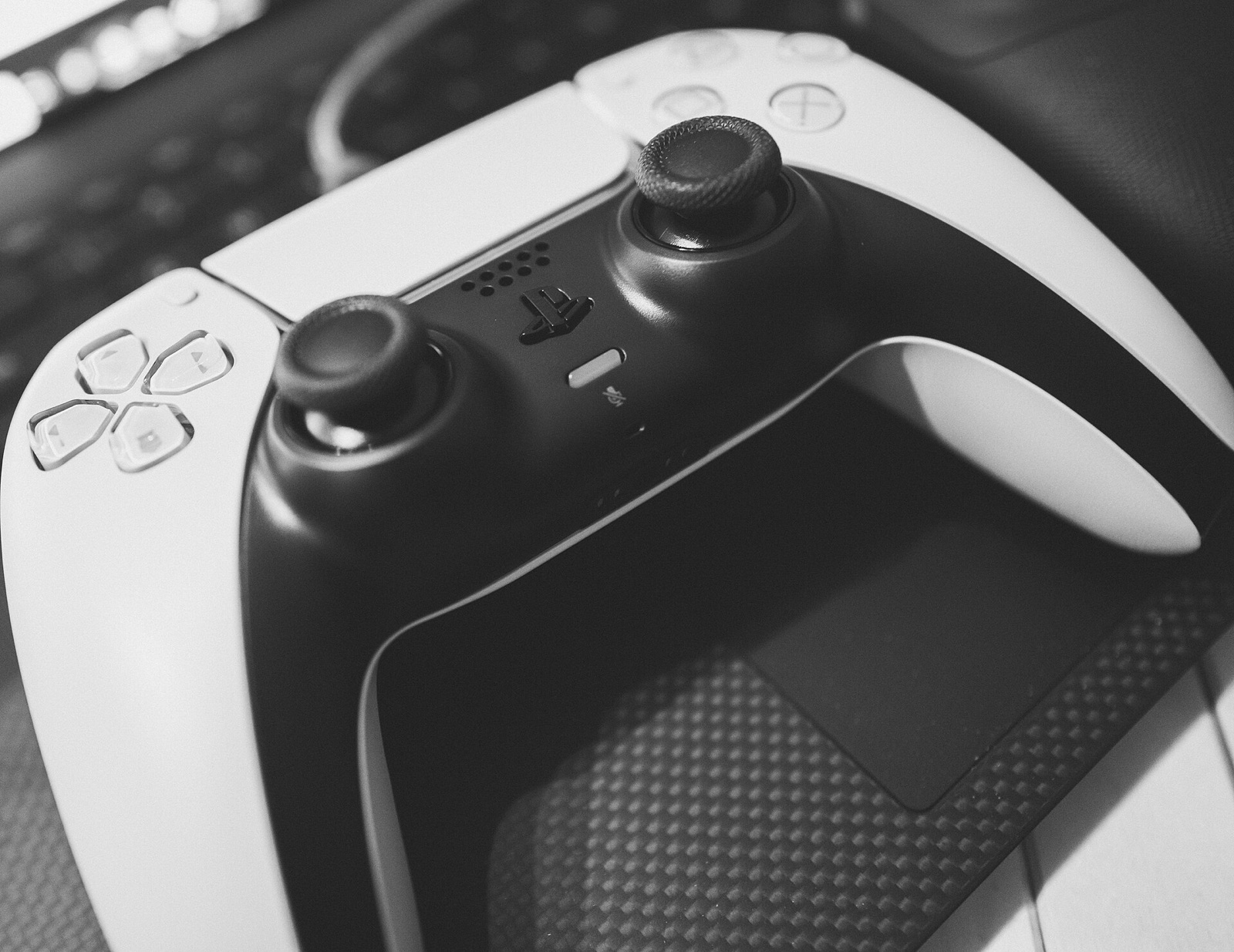
Astral Chain Recomp uses SDL3 for low-latency gamepad input, rumble curves, gyro aiming, back paddles, and automatic Xbox or PlayStation prompt detection.
Hall-effect sticks and L4/R4 bumpers with low-latency 2.4G dongle for 60 FPS Sync Attacks and Legion positioning.
Drift-free Hall sticks, physically swappable ABXY faceplates (pad_layout = xbox or nintendo), and motion gyro via SDL3.
Symmetrical dual-stick layout with Switch/X-Input modes, motion aiming for Bow Legion, and rear paddles (`lpaddle1`/`rpaddle1`).
TMR electromagnetic sticks and 1000 Hz polling for tight 360-spin and Perfect Dodge input windows on Windows and Linux.
Affiliate disclosure: As an Amazon Associate, astralchainrecomp.wiki earns from qualifying purchases at no added cost to you.
Answers on resolution grids, controller layouts, focus handling, and ultrawide overrides.
Astral Chain's internal render targets require a strict 16:9 multiple of 32x18 (such as 1280x720, 1600x900, 1920x1080, 2560x1440, 3200x1800, or 3840x2160); non-16:9 render targets cause GPU device loss. Keep output_res = 2560x1440 (or 1280x720 on Steam Deck) and set window_size = 3440x1440 (or fullscreen = 1) with aspect = wide.
Some controllers report Xbox X-Input device IDs while physically printed with Nintendo button labels (or vice versa). Set pad_layout = xbox or pad_layout = nintendo in astralchain.ini (or inside F1 -> Controls); the change applies immediately without restarting.
By default assume_focus = 1 keeps the game running while you alt-tab so background loads never stall, while muting keyboard input until the window regains focus. Setting assume_focus = 0 pauses execution on focus loss like pressing Home on Switch.
The F1 menu intentionally omits an aspect row; open astralchain.ini in any text editor, uncomment aspect = fit, and save. Because aspect is live-reloaded, pillarboxes appear immediately.